
有三種方式
quote: http://www.linuxinsight.com/proc_sys_vm_drop_caches.html
Writing to this will cause the kernel to drop clean caches, dentries and inodes from memory, causing that memory to become free.
To free pagecache:
echo 1 > /proc/sys/vm/drop_caches
To free dentries and inodes:echo 2 > /proc/sys/vm/drop_caches
To free pagecache, dentries and inodes:echo 3 > /proc/sys/vm/drop_caches
As this is a non-destructive operation, and dirty objects are not freeable, the user should run “sync” first in order to make sure all cached objects are freed.
但作這個之前記得先 sync 資料
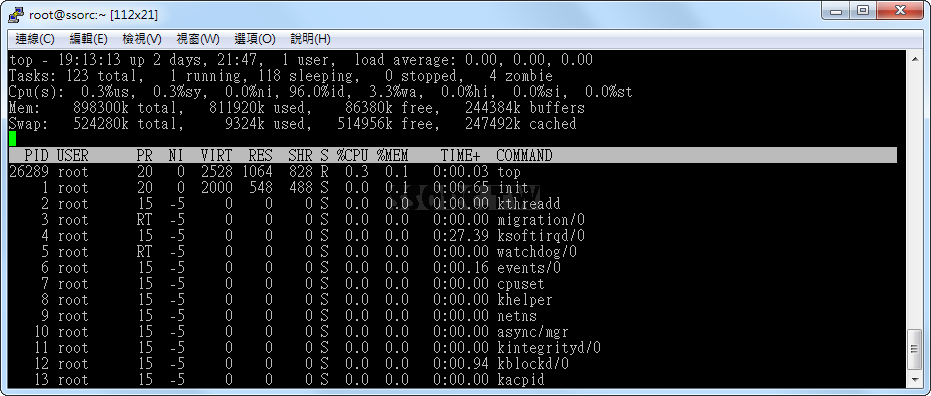
之前
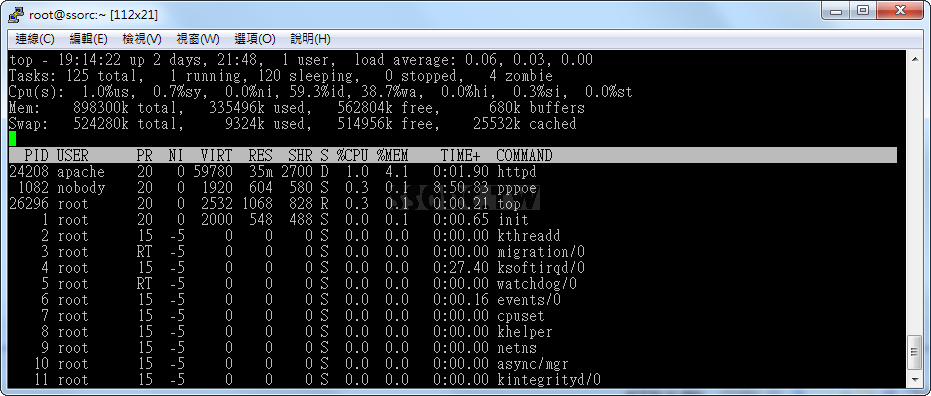
之後
留言